

Creating social media posts, drafting content, and generating ideas is a time-consuming job in a fast-paced world, but these tools are best for all your social media tasks. For your specific audience and unique tone, which tells people this is your brand, is a big task you have to handle as a marketer. One of the best things that not everybody mentions is that you can track your brand mentions from other sites all over the internet to get your genuine audience, and it’s a lot easier with these tools.
AI Tools to Work on Social Media Effortlessly
I am covering 20 tools you can use to help with drafting your content.
| 1 | ChatGPT | Content writing | Ideas for posts and their captions, and drafting content calendars |
| 2 | Claude | Content writing | Longer drafts and rewriting one message for different platforms |
| 3 | Copy.AI | Content writing | Automated Ideas and drafts generation |
| 4 | Jasper | Content writing | Marketing copy with brand voice settings |
| 5 | Rytr | Content Writing | Short-form content creation |
| 6 | Canva | Design | Templates with AI design tools |
| 7 | Adobe Express | Design, Video Generator | Commercial-safe AI graphics generation |
| 8 | Ideogram | Design | AI images, including images that contain text |
| 9 | CapCut | Video | Short-form video editing and captions |
| 10 | Opus Clip | Video Editor | Turn long videos into short shareable clips |
| 11 | Descript | Video Editor | Editing video by editing the script |
| 12 | HeyGen | Video | AI avatar videos and video translation |
| 13 | Buffer | Scheduling and management | Scheduling with AI-assisted post writing |
| 14 | Hootsuite | Scheduling and management | Multi-account scheduling, AI caption help and reporting |
| 15 | Sprout Social | Scheduling and management | Scheduling and analytics in one place with smart inbox |
| 16 | Later | Scheduling and management | Visual planning and scheduling, especially for Instagram |
| 17 | Metricool | Scheduling and management | Scheduling and analytics across platforms |
| 18 | Publer | Scheduling and management | Scheduling with AI-assisted content creation |
| 19 | Brand24 | Social listening | Tracking brand mentions and conversations |
| 20 | Brandwatch | Social listening | Large-scale listening and trend analysis |
Best AI Content Writing Tools
Plenty of tools can generate text-based content, but finding new ideas and catchy captions is not always easy, so here are some of the best content writing tools you can try.
1. ChatGPT
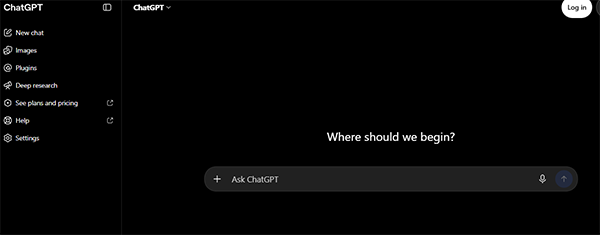
Use ChatGPT to brainstorm post and caption ideas by giving it insights into your audience’s needs and interests. Briefly describe how you want to present your content, what content you are working on, the tone you want, and the platform you want ideas for; also, you can get help creating a content calendar.
2. Claude (Anthropic)
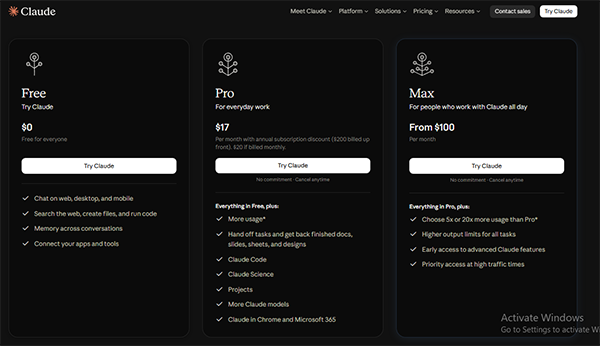
You can use Claude if you are working on long-form content generation with a human tone, and you can also rewrite the same message in different tones. You can turn your one blog post into several social media platform-specific posts.
3. Copy.AI
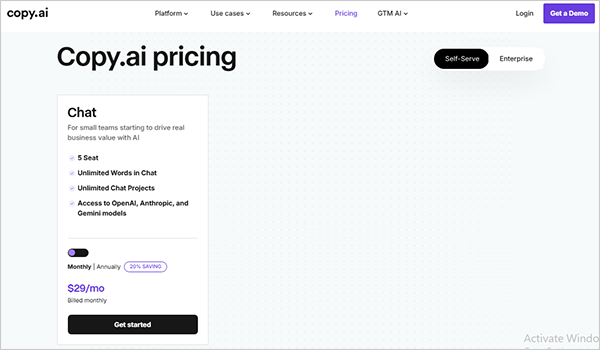
By using this Copy.ai tool, your marketing team can automate content creation for drafting post captions and hook ideas while understanding your brand’s unique tone in their enterprise plan. And in the self-serve plan, you can have access to OpenAI, Anthropic, and Gemini models for $29 per month for 5 seats.
4. Jasper AI
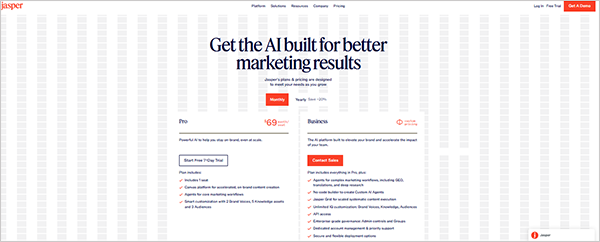
If your marketing team works for brands with a specific brand voice, Jasper AI writing is best suited for you to work with. It depends on what plan you have and what features you can access; in the Pro plan, it gives you 2 brand voices, 5 knowledge assets, and 3 audiences.
5. Rytr
Using Rytr, you can quickly generate short-form content using a prebuilt copywriting framework such as AIDA and PAS, and in 20 different tones. You can use its free plan, and other plans are also more affordable than other tools.
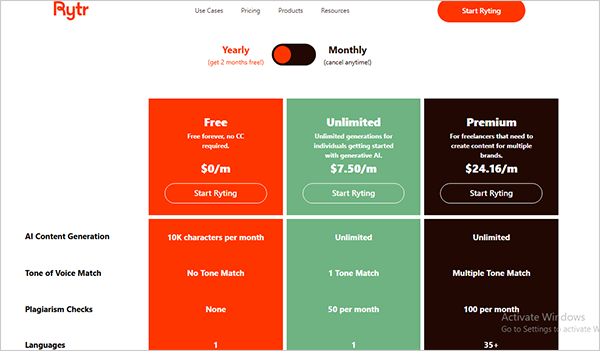
Image Designing AI Tools
After an idea is generated, you have to create many posts at a time, but working with multiple clients or designing professional-looking social content is not easy; these tools help you do tasks easily and take less time.
6. Canva
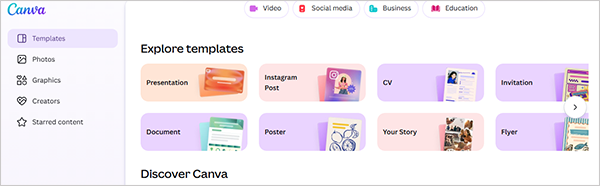
Canva is for designing posts, stories, and carousels using its given templates, and now, with AI integrations, image generation becomes easier, directly with one prompt. It is free to use, but only the paid version provides you with better results with AI generation.
7. Adobe Express powered by Adobe Firefly
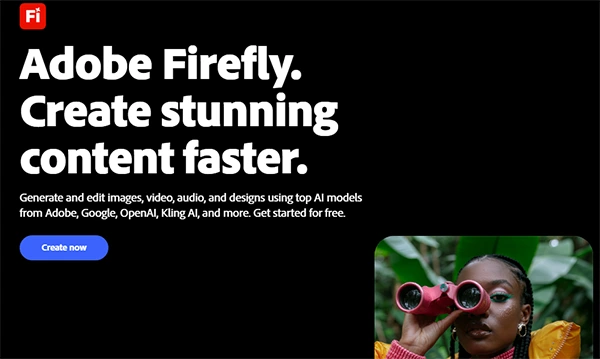
You can build quick graphics and text effects using AI features, which can also be used for commercial brands. Also, cross-platform posting is easy for you if you are using Adobe Express.
8. Ideogram
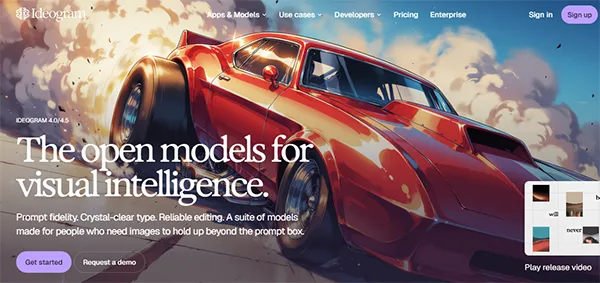
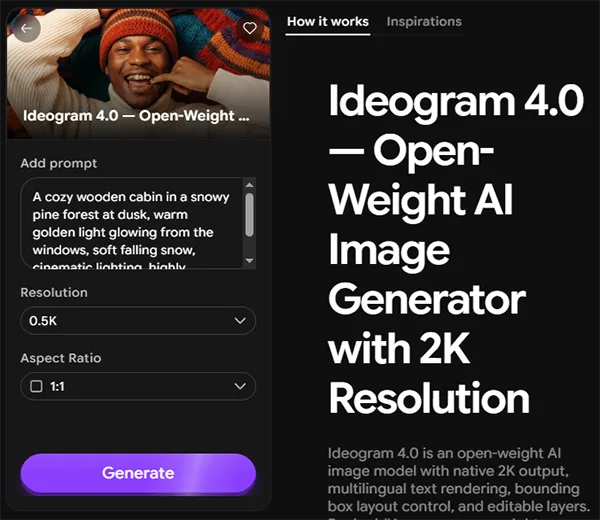
Ideogram is an image generator with 2k generation, mostly used for generating images that require text in them. You can use Ideogram for content creation, but always read and check the text written on it before publishing.
AI Video Generation and Editing Tools
9. CapCut
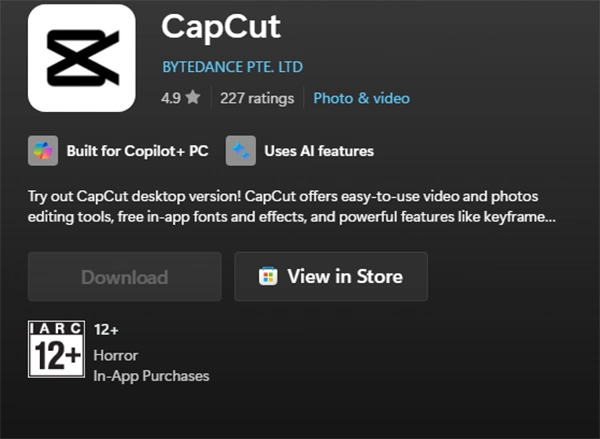
For short-form video editing, reels, shorts, and stories, with caption editing and adding effects, CapCut is used widely. It is not an online tool; it’s an application that can be used on Windows and Android after installation.
10. OpusClip
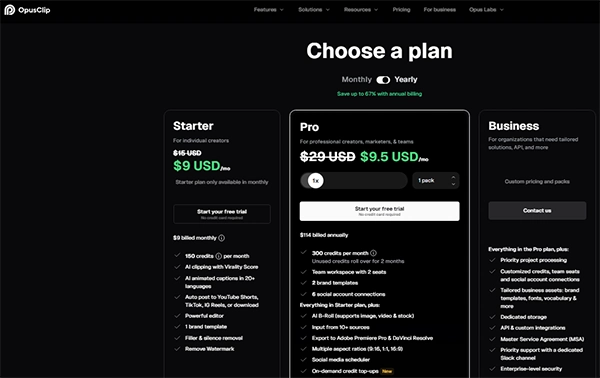
You need to make small adjustments and review after using OpusClip, which helps you easily turn a long video, such as a webinar or podcast, into shorter clips for viral highlights with its face-tracking method, providing you with vertical clips. From one long-form video, you can have short viral hooks and best shots extracted, which make you viral on social media.
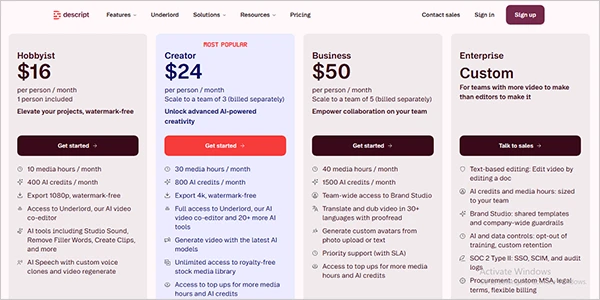
11. Descript
Working with podcasts and tutorial videos, editing audio and transcripts, and cleaning up talking head videos and creating captions become very easy for you if you try Descript. There, you have a document with the extracted text from the video and can edit the words, which reflect in the video timeline. It is best for YouTubers and podcast people who work on talking head videos.
12. HeyGen
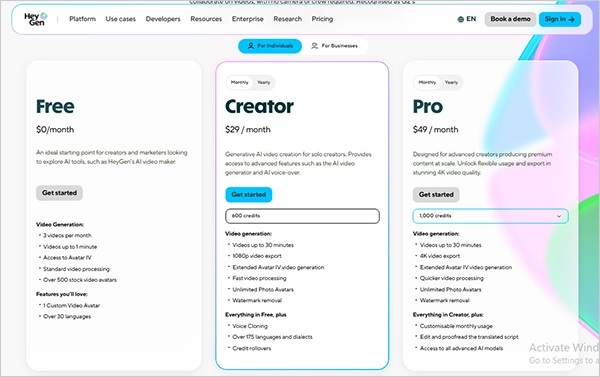
If you want to create hyper-realistic avatar videos or need to translate video into other languages, HeyGen helps you, but you need to provide clear guidance about your audience and language to get good results in lip-sync translation video creation. For a small brand, this tool is best without large setups and professional cameras or editing requirements.
Tools for Social Media Scheduling and Management
13. Buffer (Web, Android, iOS)
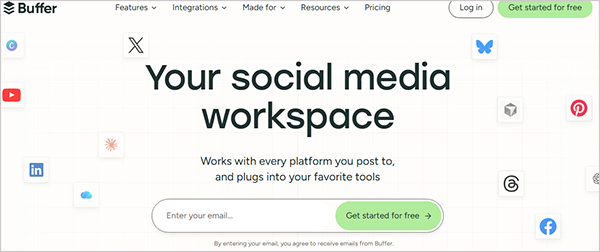
With Buffer, you can schedule posts across platforms with AI-assisted writing for captions and suggested hashtags. It suits you if you have a small team or you are a freelancer, as it has a beginner-friendly, simple workflow.
14. Hootsuite
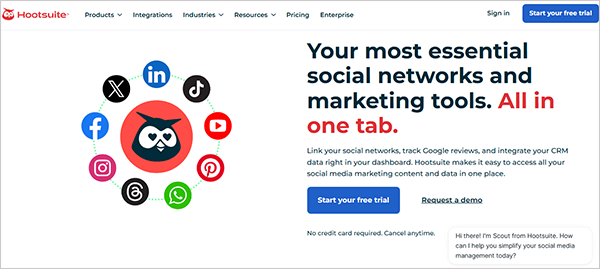
Hootsuite provides AI-driven social media management tools you can use to schedule across multiple accounts, generate captions, and create reports. Best for marketing teams that manage several brands; also has a free trial available.
15. Sprout Social
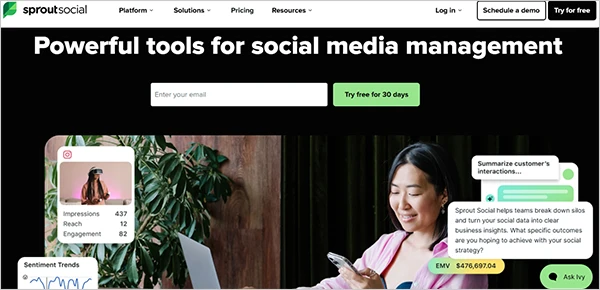
Sprout Social provides deep analytics and gives you full insights into what is performing and why it is performing well, which helps serious marketers support team collaborations and have bigger budgets because this is a little expensive a tool. It predicts trends and has a smart inbox that brings all the mentions and messages into one place. It is expensive for small teams, but with a 30-day trial, you can analyze if it is worth it for your team.
16. Later
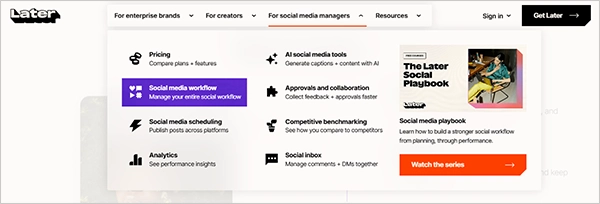
Later focuses on visual planning and scheduling, specifically for Instagram, basically an influencer marketing and management platform. You can auto-schedule your content at the best time and have a centralized media library.
17. Metricool
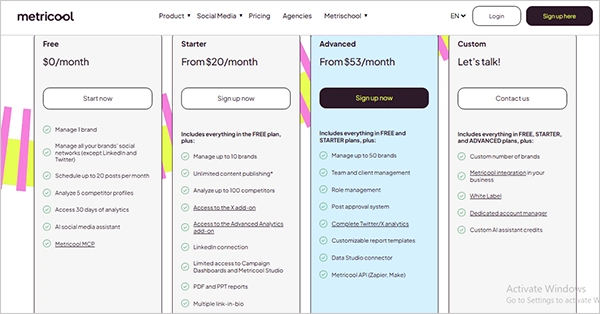
Metricool is best for deep analysis of several platforms for better engagement with a centralized planning dashboard. Best for teams who want to plan and measure all platforms from one dashboard to avoid mess in workflow.
18. Publer
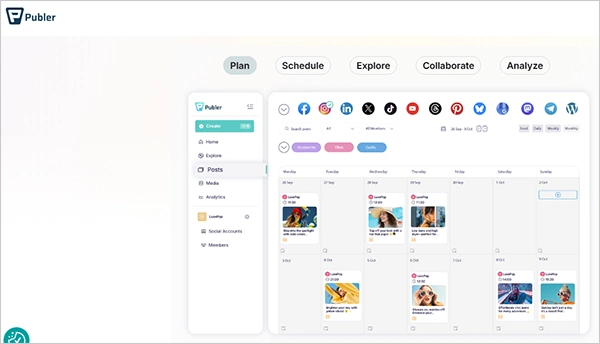
Scheduling for multiple platforms with AI-assisted content creation using Publer is best for small businesses. Without a credit card, you can get its free trial and have lower pricing than SocialBee.
Best AI Tools for Social Listening
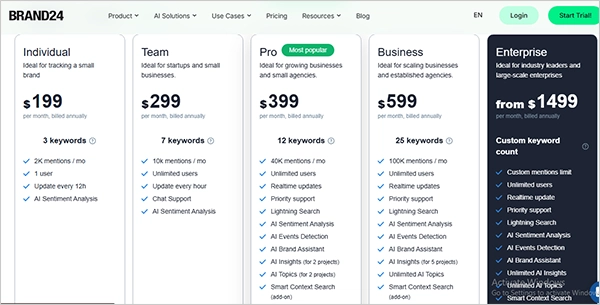
19. Brand24
You can track brand mentions and products with keywords across the web and social platforms, and you can reach the conversations happening about your brand and respond to them.
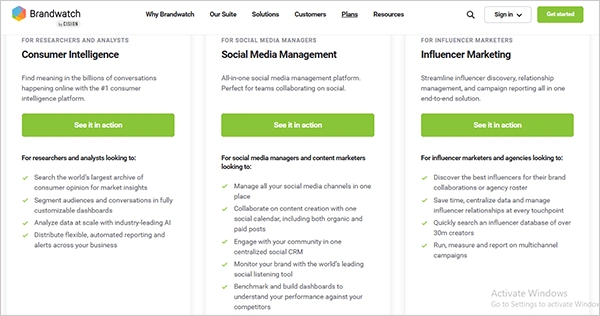
20. Brandwatch
You can use Brandwatch for large-scale social listening and analyze trends in your niche. Basically, it is useful if you are working with a big brand or have larger teams and need more complex reporting.
Choose the Best-Suited AI Tools for Your Team
The market has many tools available with various features, but not every tool helps you cut time and maintain quality for your marketing production and work on social platforms. Here is a quick guide to help you understand how to choose the best-suited tools for your team that help you the most.
- Tools need to support the platform you are working on.
- Do the generations or the quality it provides suit your brand grade and voice?
- For a reporting tool, you need to see it providing the data you want to measure.
- How the tool is using your data.
You can test the tool first before adding it to your marketing team’s work.
Read Google’s own guidance on AI-generated content: Google’s AI content guidance.
Final Words
All the above tools are easy to use for your social media management to simplify your workflow, for creating reels and videos, making image-based content, or generating voiceovers using AI directly, but it is required to read, listen, and review the content before publishing because AI hallucinates and creates wrong concepts and content.



Leave a Comment
Your email address will not be published. Required fields are marked *